
One timetable that everyone can see
Build the weekly timetable for each section, period by period. KlassMint checks for clashes as you go, and teachers, students and parents all see the same schedule on the web and in the KlassMint app.
Founding schools: free for 12 months. Prices in your local currency at sign-up.
The problems we hear from school offices
Clashes found on Monday morning
A teacher is booked into two rooms at once and nobody notices until the bell rings.
Printed copies go out of date
Every change means reprinting and redistributing timetables.
Parents ask what’s on today
Families can’t check the day’s subjects or rooms.
Timetable in KlassMint
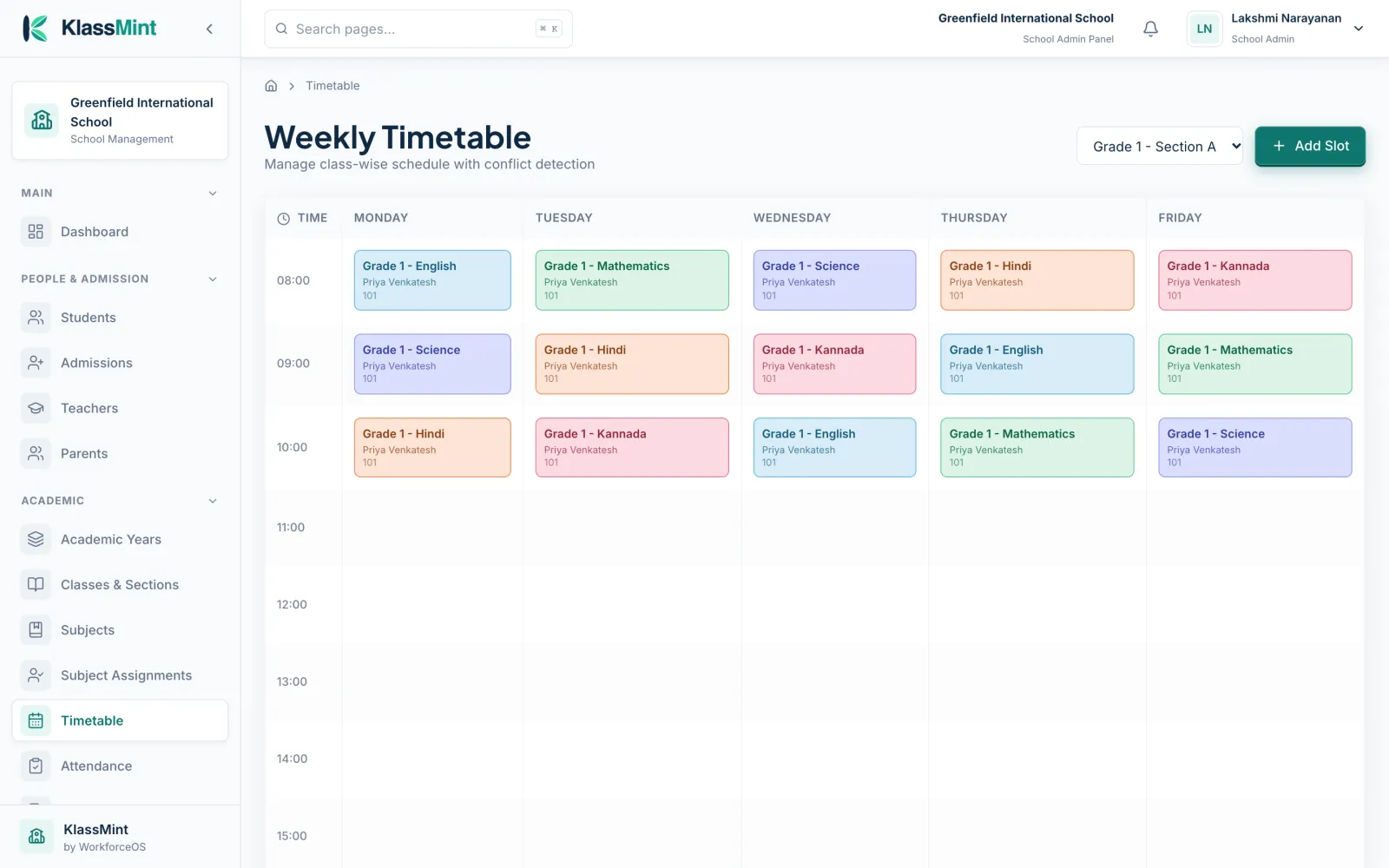
Weekly grid
Periods for Monday to Friday by section, colour-coded by subject.
Clash detection
KlassMint warns you about conflicting slots as you build.
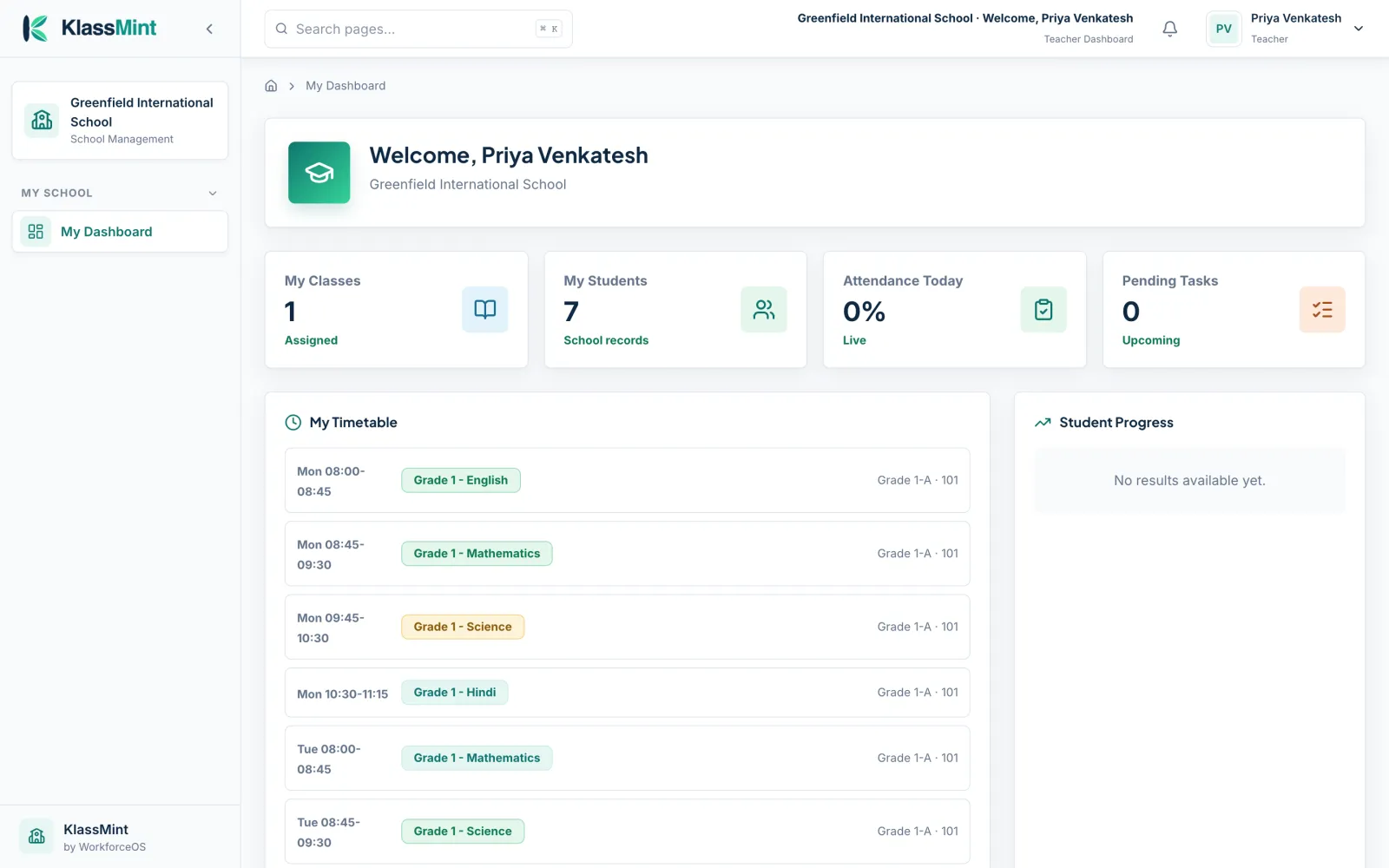
Teacher view
Each teacher sees their own periods on their dashboard.
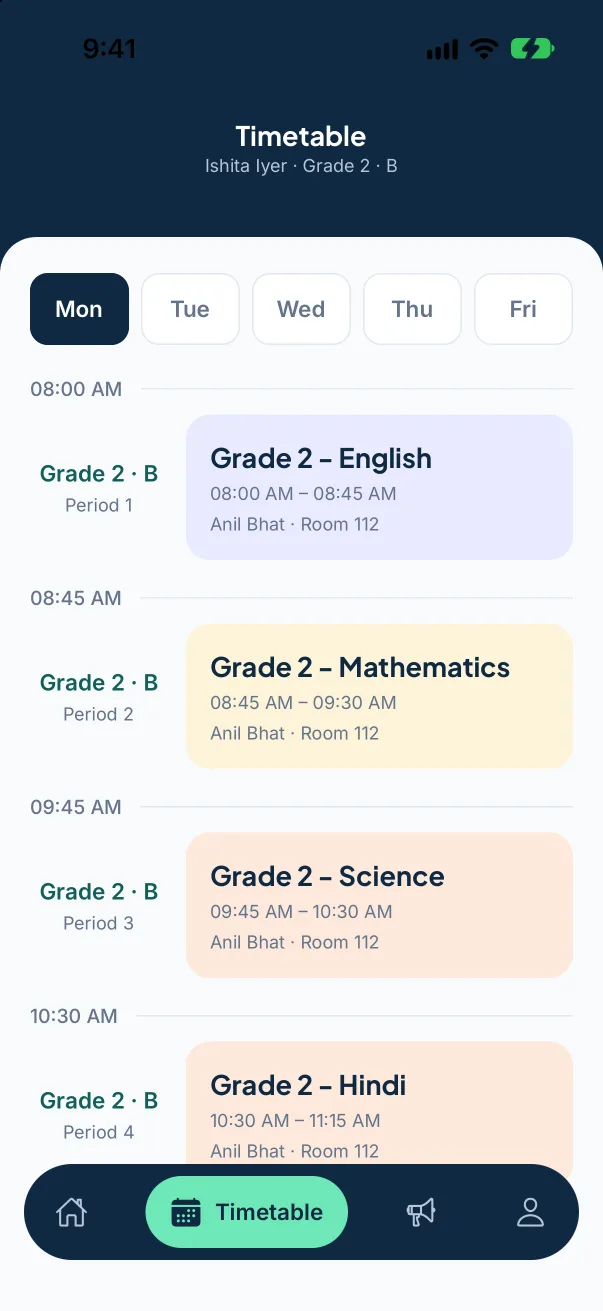
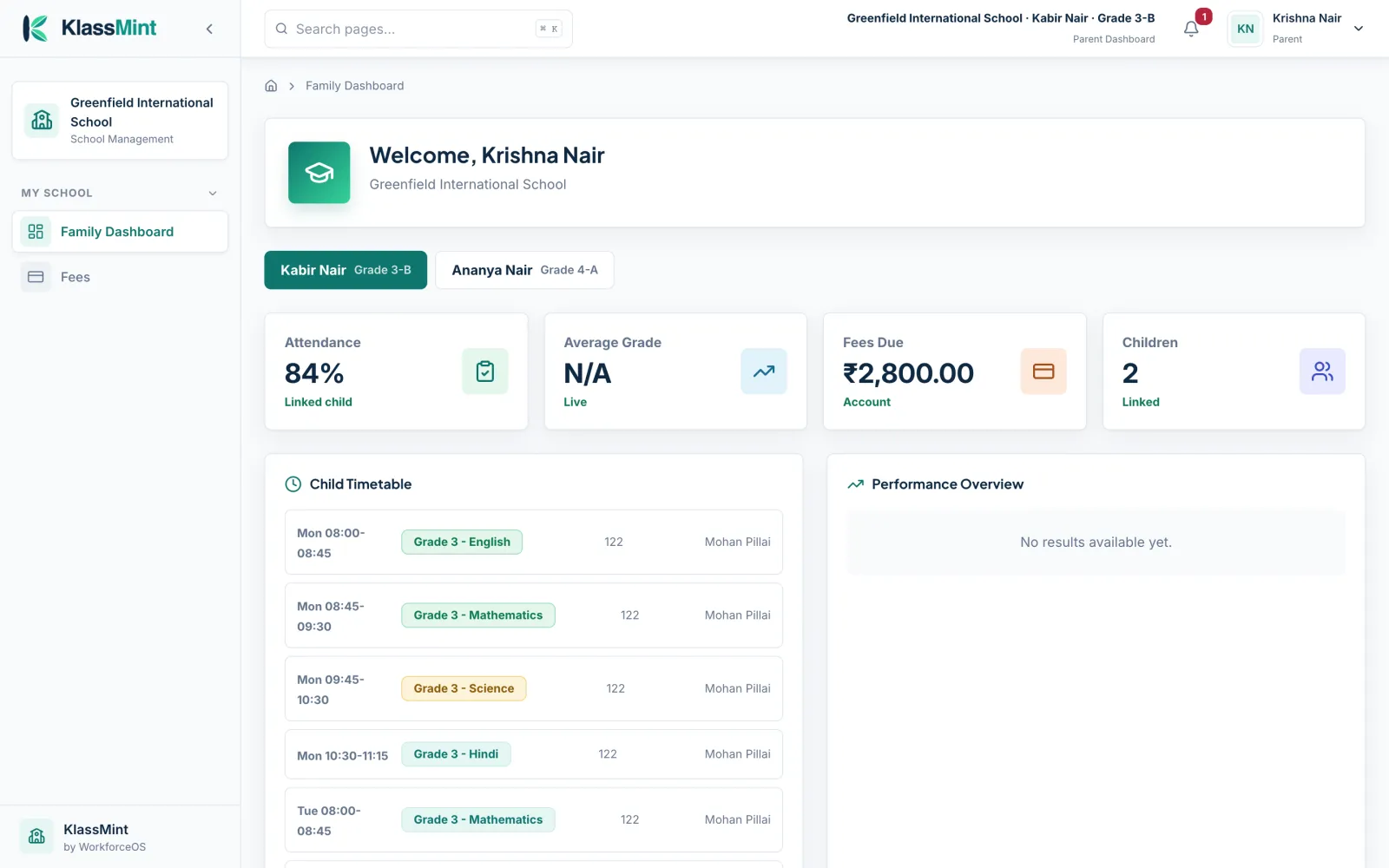
Parent and student view
Today’s subjects, teachers and rooms, on the web and in the app.
See it in KlassMint
Screens from KlassMint with a sample school. Click to enlarge.
Good to know before you choose
KlassMint doesn't include these today:
- Automatic timetable generation (you build the timetable; KlassMint checks for clashes)
Timetable: common questions
Does KlassMint generate timetables automatically?
No. You build the timetable period by period and KlassMint detects clashes. Schools that want a fully automatic generator should know this before choosing.
Can teachers see their own timetable?
Yes. Each teacher’s dashboard shows their periods for the week.
Can parents see the timetable?
Yes. Parents see their child’s timetable with subjects, teachers and rooms.
Read next
Also in KlassMint
Bring your school onto KlassMint
Founding schools use KlassMint free for 12 months. Set up your school, invite your staff and see how it fits before you pay anything.