
Home / Solutions / Exams and gradebook
Exams and digital gradebookExams, marks and homework, without the paperwork
Create exams for each class and subject, enter marks in the gradebook and publish results to families when you are ready. Homework with due dates and submissions sits alongside.
Founding schools: free for 12 months. Prices in your local currency at sign-up.
The problems we hear from school offices
Marks in personal spreadsheets
Every teacher keeps marks differently and the office has to collect them.
Homework nobody can find
Assignments are written on boards and lost in school bags.
Late results for parents
Families wait for paper results to come home.
Exams and gradebook in KlassMint
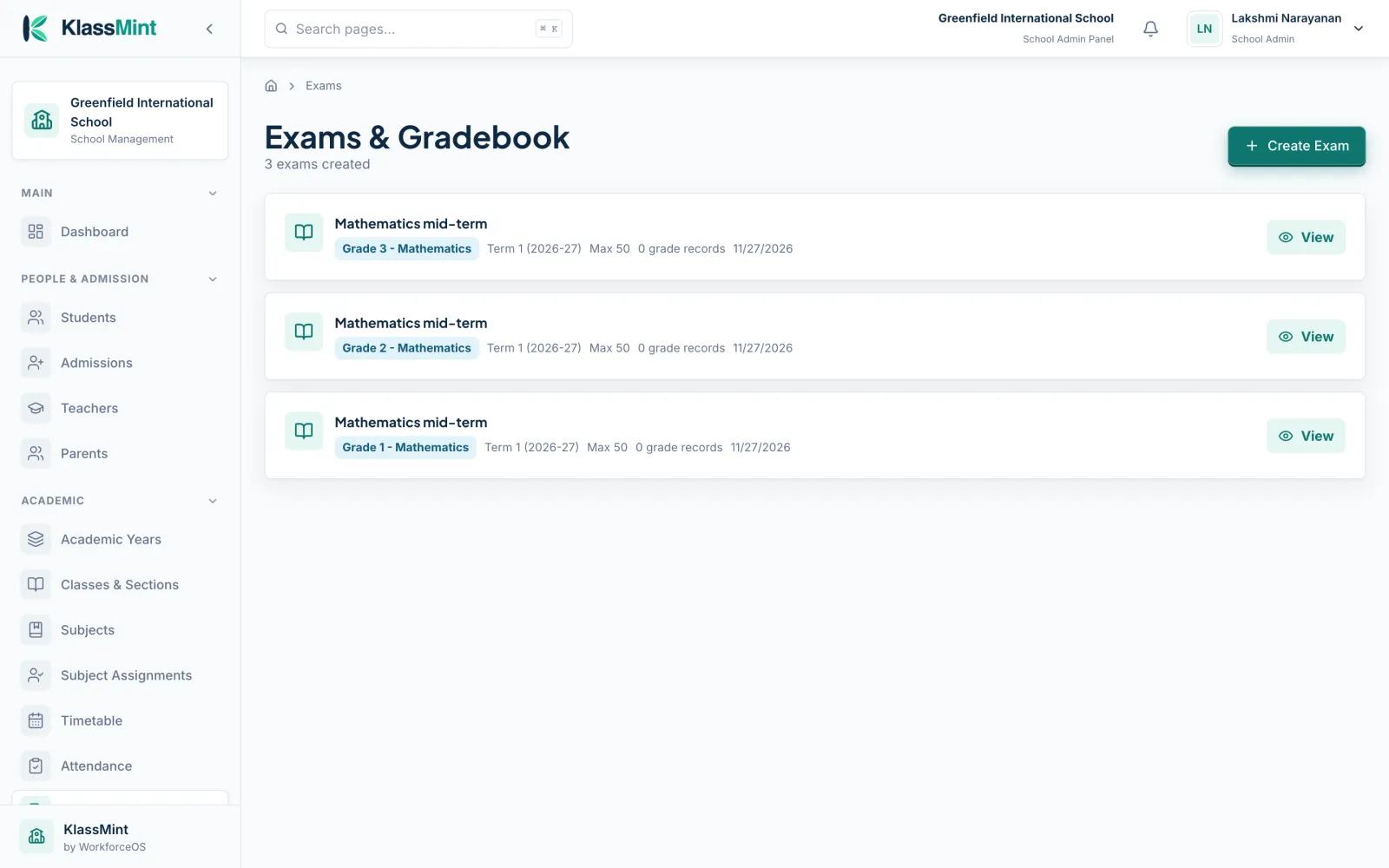
Exams by term
Exams for each class and subject, organised by term.
Digital gradebook
Teachers enter marks and grades in one place.
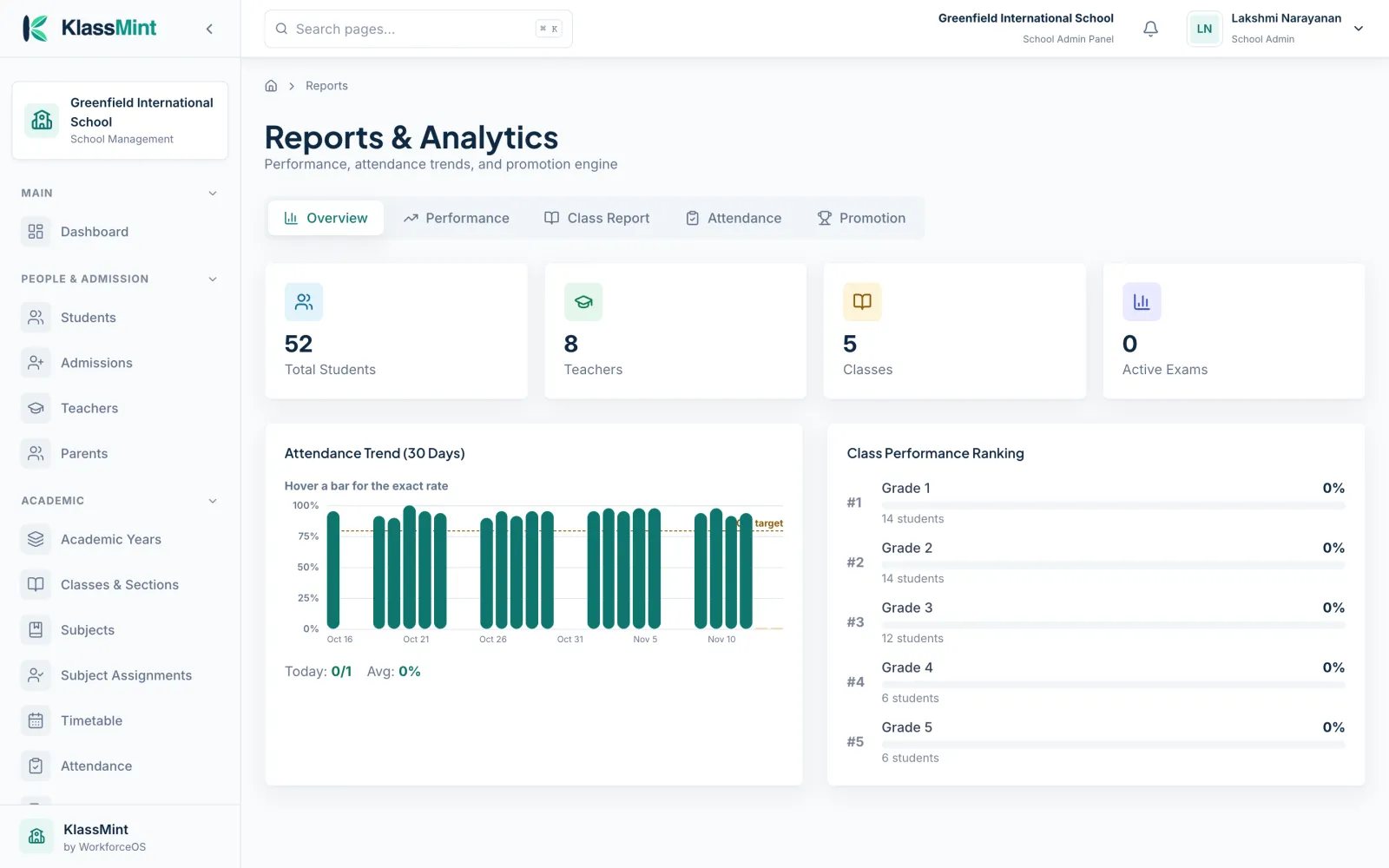
Class performance
Reports rank class performance for admins.
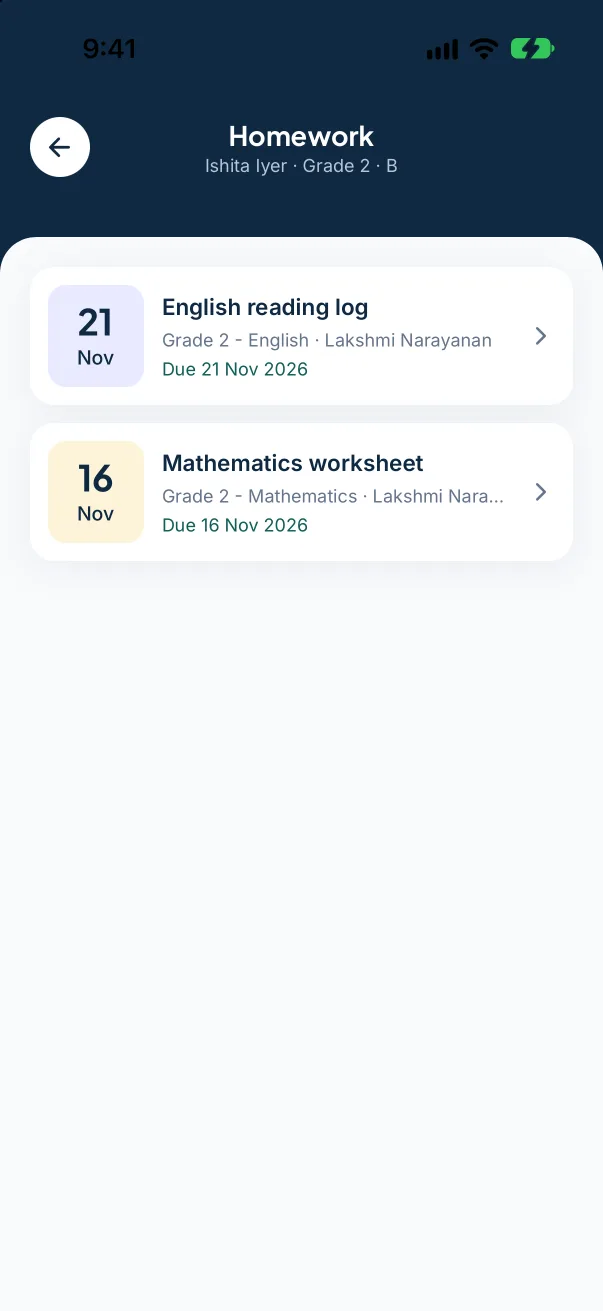
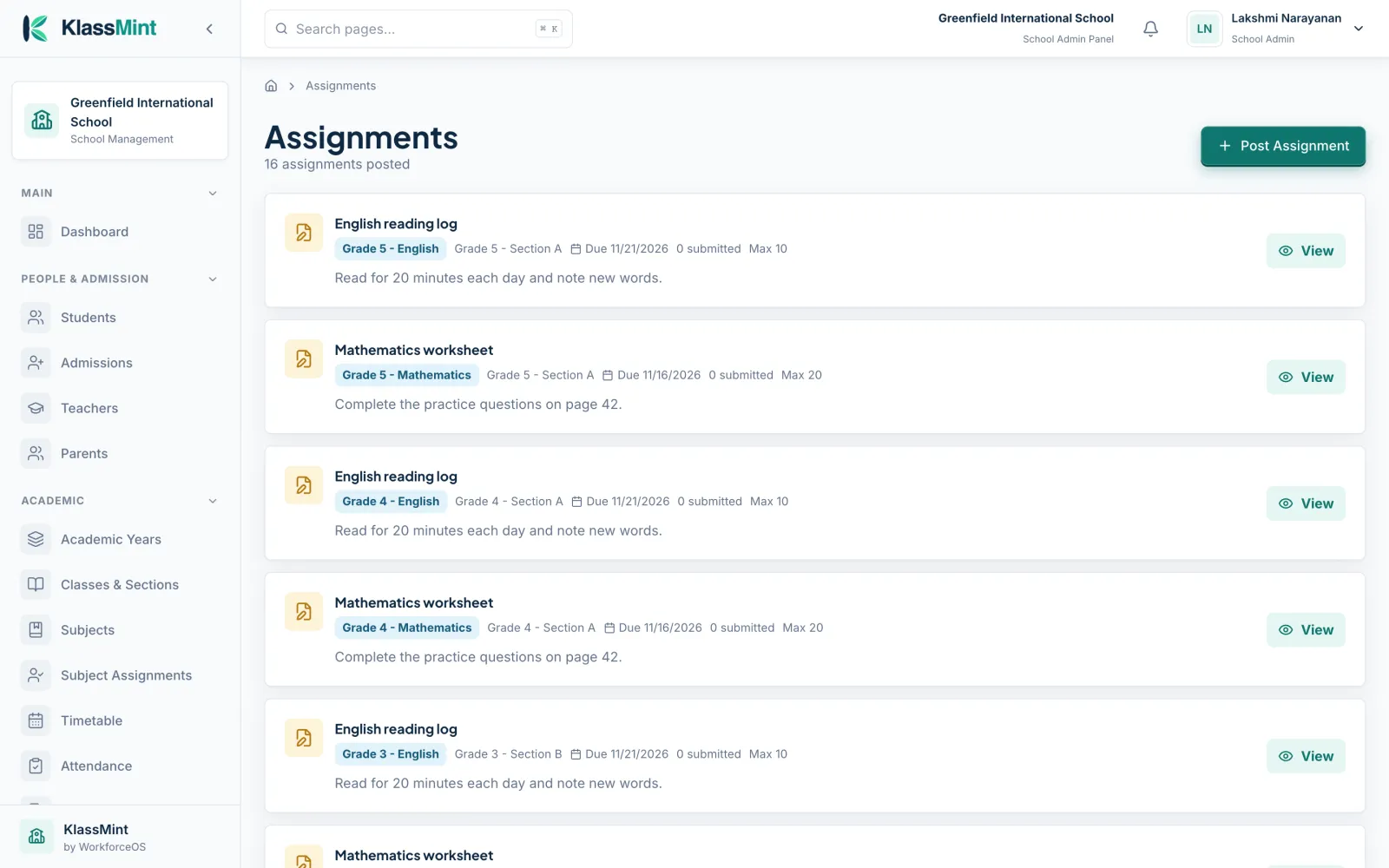
Homework
Assignments with instructions, due dates and submission counts.
See it in KlassMint
Screens from KlassMint with a sample school. Click to enlarge.
Good to know before you choose
KlassMint doesn't include these today:
- Printed report card generator
- OMR or AI mark entry
- Holistic progress card (HPC) formats
Exams and gradebook: common questions
Does KlassMint generate report cards?
Not printed report cards. Results are shared with parents inside KlassMint.
Can parents see homework?
Yes. Parents see homework, the teacher and the due date for each child.
Read next
Also in KlassMint
Bring your school onto KlassMint
Founding schools use KlassMint free for 12 months. Set up your school, invite your staff and see how it fits before you pay anything.